

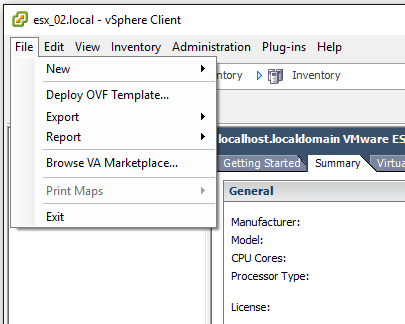
Step 1. Choose Deploy OVF Template…
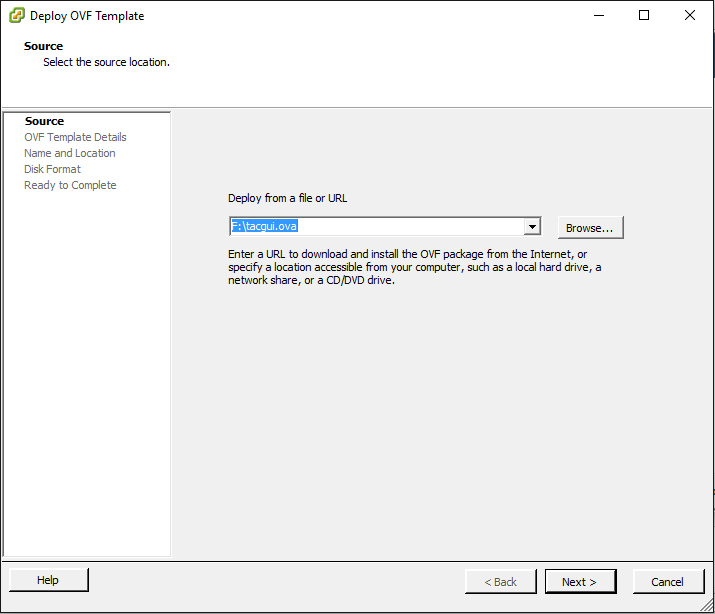
Step 2. Choose the OVA file, that you downloaded before
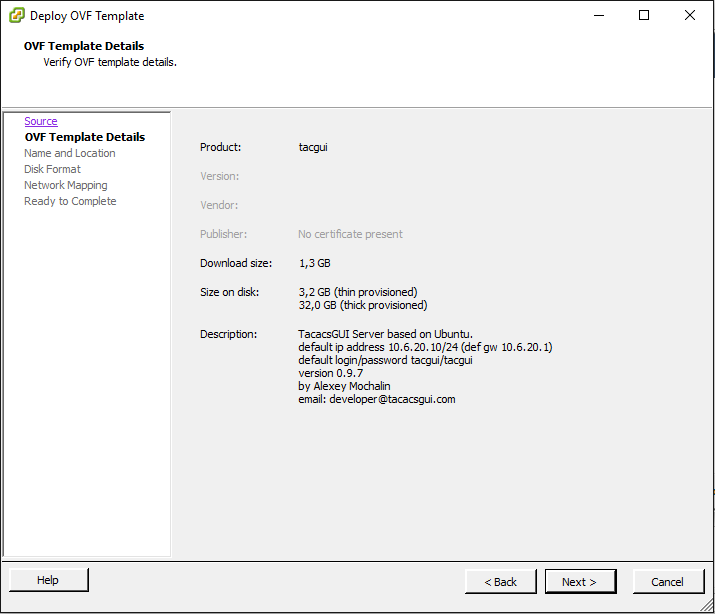
Step 3. Check the details of that file
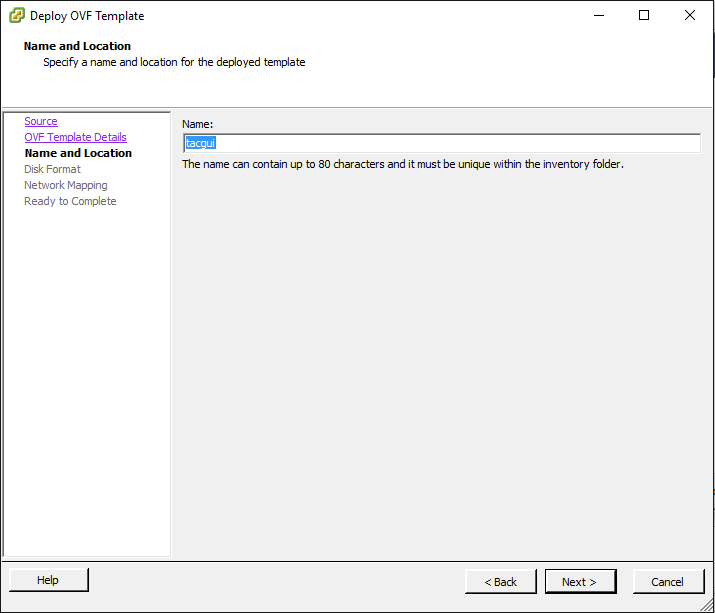
Step 4. You can set new name for you virtual machine or leave it as default
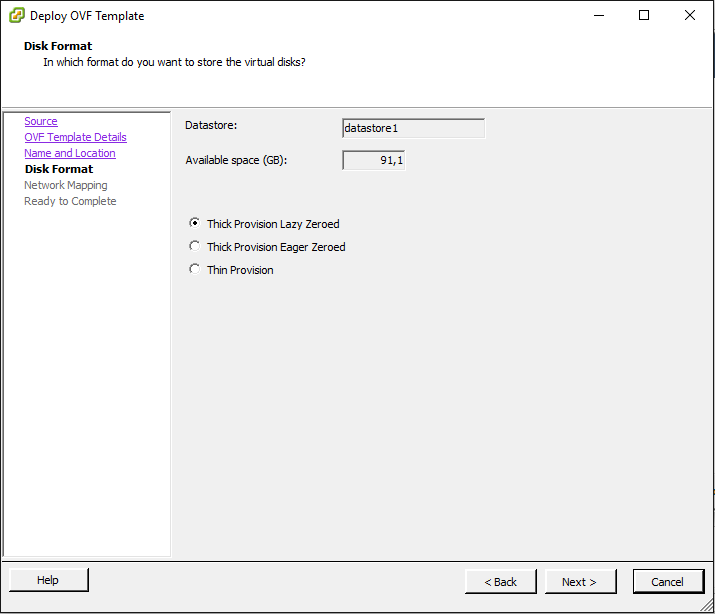
Step 5. Choose Disk Format (or leave it as default)
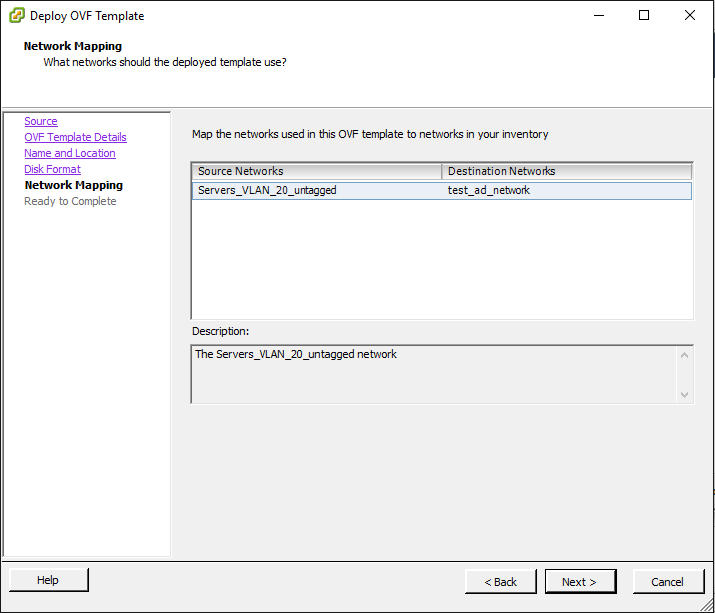
Step 6. Set Network Settings
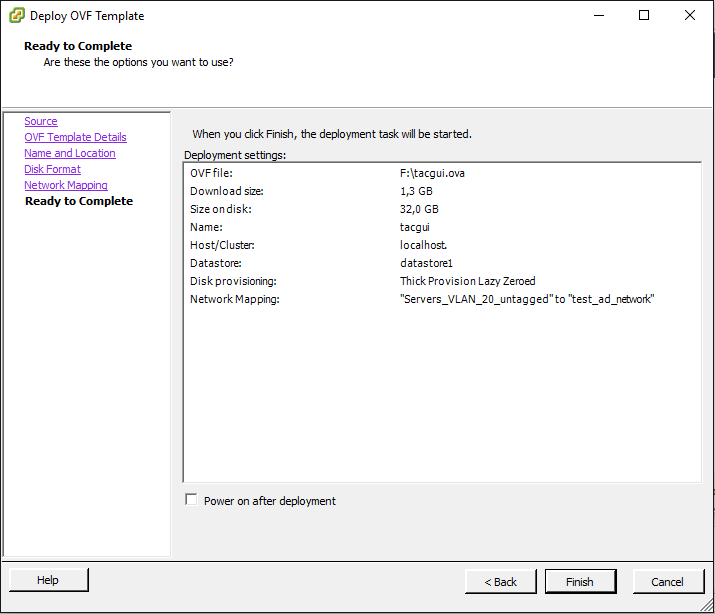
Step 7. Check Complete info and click Finish
Step 8. Wait until the new virtual machine will be uploaded